

What can one Swing workflow tell you about modernising an entire application? Here’s how to pick the first screen, connect it to the running Java app and test whether the result is ready to build on.
What can one Swing workflow tell you about modernising an entire application? Here’s how to pick the first screen, connect it to the running Java app and test whether the result is ready to build on.
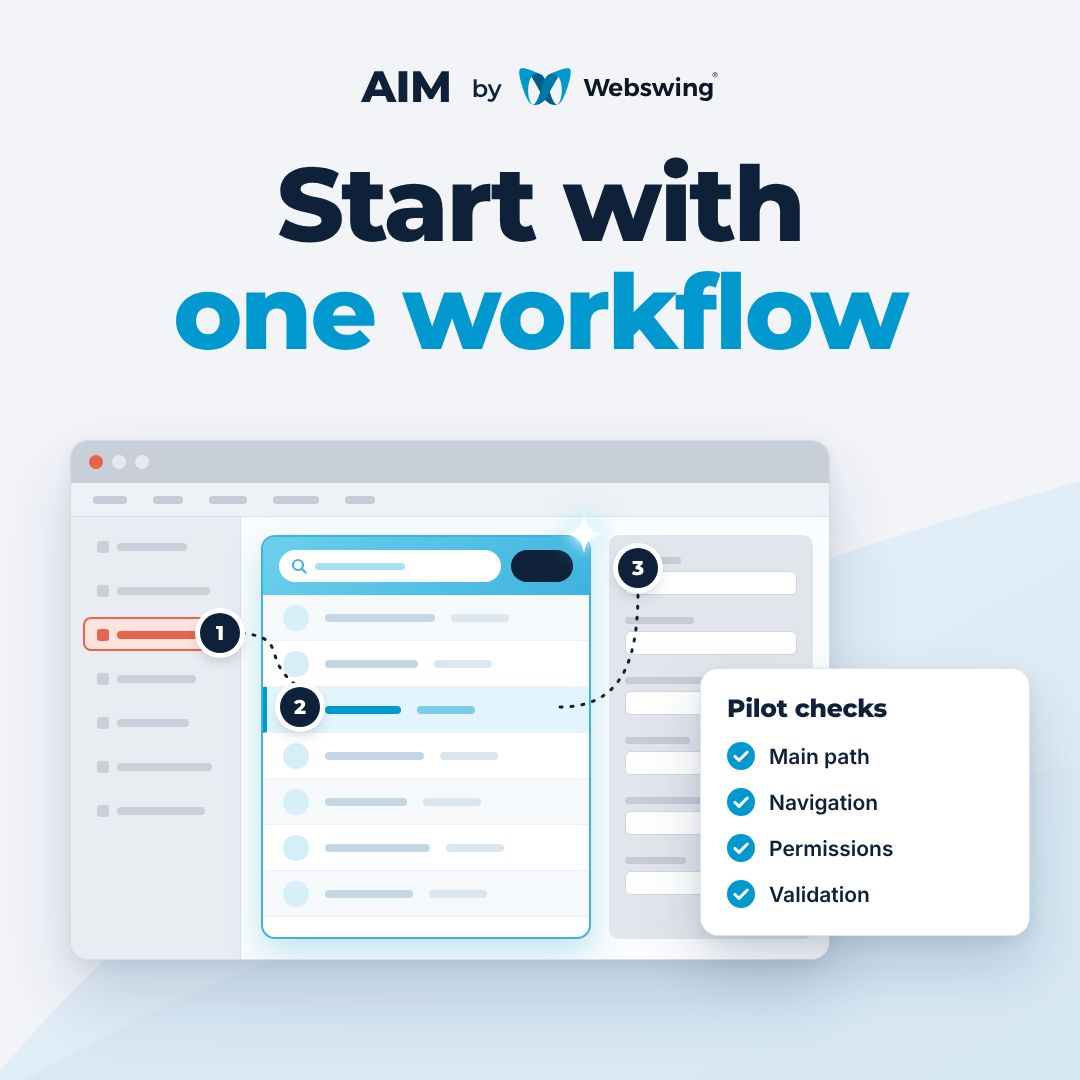
A useful pilot begins with a task somebody already does in your Swing application. Perhaps a service team searches for a request, opens its details and returns to the results throughout the day. Can users complete that task with a new web screen while the existing Java application handles the search and the rest of the workflow?
That’s a question a small pilot can answer with a running application. It also gives you a way to see where AI helps, what the Java integration takes and which parts of the work you can reuse. Read the introduction to AIM for Java Swing.
1. Choose a workflow with a clear finish
Pick a task with a familiar starting point, a result someone can verify and a reason to improve it. For the service request example, the user opens the lookup from the application menu, enters a reference, opens the matching request and returns to the results. If the lookup moves to a web interface first, opening the existing Swing details view is part of the pilot.
A browse or search screen is a manageable starting point when you want to see how application state and data reach the browser. If the main question is how the UI handles validation and writes, choose a small edit that exercises both. Ask a workflow owner to agree on the first and last steps, the roles to cover and the improvements users should notice.
2. Run the original workflow and record the baseline
Start from a build the team can reproduce. Make the relevant Java source, build instructions, dependencies and runtime configuration available to the pilot team. Set up an environment where the existing Swing application runs through Webswing with repeatable test data, the required services and test accounts for the roles you’ll exercise.
Have a Java maintainer help trace where the workflow’s behaviour lives. Give the workflow owner responsibility for the expected outcomes, and agree who will run the browser checks and review the changes.
Run the workflow before changing it. Record the inputs, which records and actions appear, what happens on an invalid input and where the user ends up. For an edit, capture the values written, the validation rules and any downstream effects in scope. Include a case that depends on a permission or runtime state. Ask the workflow owner to confirm the intended behaviour and identify changes to make deliberately.
3. Connect the new web screen to the Java application
Give AI Modernisation with Webswing (AIM) the scope of the selected screen and the relevant application context. Use the generated implementation as a starting point and review how it connects to Java. For the request lookup, trace a search from the web form to the Java operation that applies the current user’s scope. Follow the result back to the browser and check how the interface handles rows, an empty result and an error. When someone opens a result, the correct record should reach the existing details view.
Identify the actual integration point in the code. A Java service may already expose the operation. In an older screen, the logic may sit inside a Swing listener and need a small refactor before both views can call it. Define the data and actions the web view needs, and keep the application’s rules and session state in the Java flow. Webswing supports running Swing and web components together. Its Java API includes an HtmlPanel component for hosting HTML within Swing. See the Webswing API documentation.
A connected workflow in BlueSeer
In the AIM demo, we use BlueSeer, an open-source ERP written with Java Swing. We modernise its API Browse screen and its application menu. The demo shows the original and modernised views in Webswing. We then open API Browse from the new menu, run a search and see results from the existing BlueSeer Java application. You can see how the redesigned interface connects to the application’s navigation and data. Watch the Webswing AIM demo.
4. Test behaviour in both interfaces
Run the agreed cases with the same dataset and user roles in the original and modernised workflows. Compare business outcomes and record any intentional interaction changes. Use automated checks where the expected outcome is repeatable and have someone who knows the workflow exercise the cases in the browser.
Case | What to verify |
|---|---|
Main path | The agreed inputs return the expected records or calculated values and open the right destination. |
Navigation | The web and Swing views open with the right record selected. Returning from a details view restores the expected state. |
Permissions | Each role sees the appropriate records and actions. The same access rules apply when moving between web and Swing screens. |
Validation and failure | Invalid input, an empty result and a service error produce the agreed response, with a usable next step for each. |
Asynchronous results | If a request takes time, loading and completion are clear. The results match the most recent search even if responses arrive out of order. |
Data changes | If the workflow writes data, verify the saved values and relevant side effects. Include what happens when a save fails or is retried. |
5. Decide whether to expand the pilot
Review the working build with the workflow owner and the Java team. Look for a small, reviewable code change, a record of which cases passed and an estimate of the work remaining. Note which web components, Java integration points and test cases can carry over to a second screen. Check how users will enter the new workflow and how they can reach related Swing screens during the rollout.
If the results match the agreed behaviour and the integration is maintainable, pick a second workflow that uses some of the same building blocks. If the pilot exposed a difficult dependency, use that evidence to revise the scope or plan an extraction before expanding. The point of the pilot is to make that decision using your own application and data.
Have a first workflow in mind? Tell us how it runs today and what a successful pilot would prove for your team. Discuss a Swing modernisation pilot with Webswing.


