

Should you use AI to rewrite your Swing application or modernise it workflow by workflow? Start with what needs to change, where your business rules live and what users need from the first release.
Should you use AI to rewrite your Swing application or modernise it workflow by workflow? Start with what needs to change, where your business rules live and what users need from the first release.
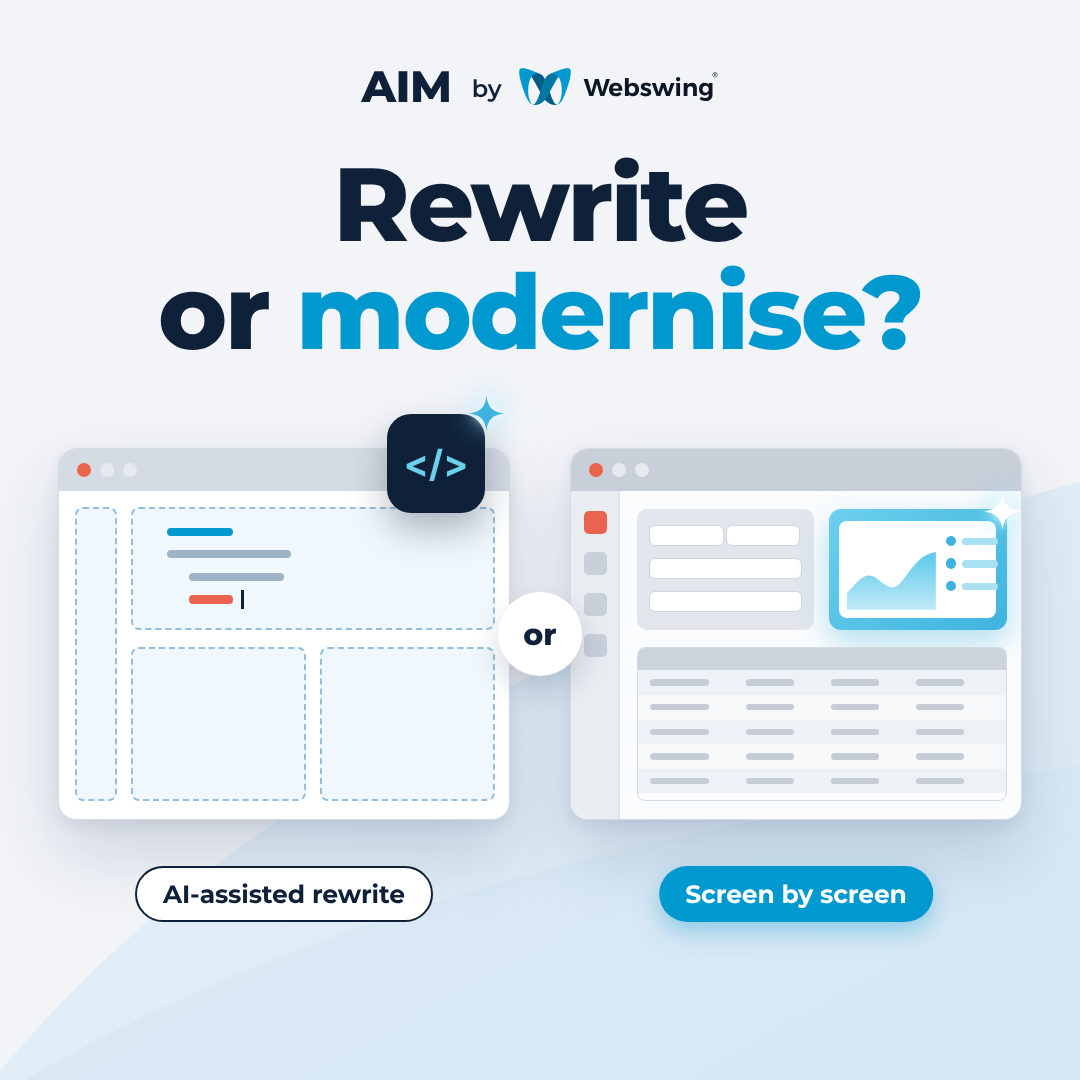
Imagine a purchasing team that needs a faster way to find and review orders. Its Java Swing application already handles order status, permissions and approvals. An AI coding assistant can help build a new order screen. The bigger decision is where that screen will get the behaviour people depend on.
An AI-assisted rewrite can be a good choice when the application itself needs to change. Incremental Swing modernisation makes sense when you want to improve selected workflows using the application you already run. The choice depends on your target architecture and what needs to work by the first usable release.
Start with the outcome you need
Your goal | An approach to consider | What the first release needs to prove |
|---|---|---|
Replace the application or retire its current runtime | Use an AI-assisted rewrite to build towards the new architecture. Where possible, migrate a bounded part of the application first. | The replacement handles the agreed business cases and can take over the relevant data and integrations. |
Build a web frontend over well-defined services | Use your existing development tools and coding assistant to build against the available APIs. | The services cover the workflow, including permissions, validation and errors. |
Improve selected Swing workflows while the application continues to run | Modernise incrementally with Webswing. Connect a new web interface to the existing Java application and deliver it alongside the Swing screens. | Users can complete the modernised workflow and move between the interfaces as part of their day-to-day work. |
If retiring the current runtime is your long-term objective, you can still deliver user-facing improvements in stages. Map which Java services can carry forward and which dependencies the replacement must eventually take over. Each release can then serve a useful group of users and give you evidence for the next architectural decision. Explore the Webswing Modernisation Framework.
Look at what the Swing screen actually does
In the purchasing example, finding an order may be more involved than querying a table. A Swing event handler might read the current user and selected site, apply filters, and decide which actions to enable based on the order’s status. Some of that behaviour may live in reusable Java services. Some may come from Swing listeners, dialog state or the order in which actions fire.
That distinction changes the work. If the application already exposes services that cover those cases, a new frontend can use them directly. If the behaviour is spread across UI code and application state, the team first needs to trace it. An incremental approach gives you a way to reuse existing Java operations where they can be called and to extract a clearer interface where the code needs one. With Webswing, users can move through a workflow that includes both web and Swing screens while the Java application continues to run.
A carefully managed rewrite can also preserve the behaviour you test. Work out how much of the application you need to recreate and validate before the first group of users can switch. For an incremental release, include the handoffs between the web and Swing screens in the same estimate.
Why use AIM if we already have a coding assistant?
A coding assistant can read code, draft a component and help write tests in either approach. Across dozens of screens, developers and agents also need the decisions made in earlier work. That includes where the Java behaviour lives, which components the team has agreed to reuse and how you’ll tell whether the new workflow behaves as intended.
AI Modernisation with Webswing (AIM) brings that context into a workflow for modernising individual screens. The team can define the scope, give implementation and review the same project context, and check the result against the running application. If the first screen established a shared table component or a way to handle validation, the next screen can start from those decisions. Read the introduction to AIM for Java Swing.
That consistency matters for behavioural equivalence. Two search screens can look right and still return different records for the same user. An implementation review can trace both views to the appropriate Java action. A running test can confirm that the same user and inputs produce the expected records, errors and available actions. A changed layout or shorter sequence of clicks can be an intentional improvement. Agree on those changes before using the previous workflow as your baseline.
In our AIM demo, the new menu opens BlueSeer’s modernised API Browse screen, and a search returns data from the existing Java application. See Webswing AIM in action.
Use the first workflow to size the next one
For a large Swing application, the first workflow can give you reusable styles, tables, form components and patterns for calling Java. As more screens share those building blocks, the value of the early work compounds. Start with an area that users care about and that shares enough behaviour with other screens to tell you something about the next phase.
Trace one workflow and estimate the work to connect the interface, check the business outcomes and release it to its first users. That gives your team a concrete basis for choosing between an AI-assisted rewrite and a staged modernisation.
If you have a Swing workflow in mind, share what users do today and what needs to change by the first release. Discuss your modernisation options with Webswing.
arrow_back_ios


