
Your desktop app has a URL now, so what exactly is it?
A guinea pig is neither a pig nor, geographically speaking, from Guinea. A Java Swing application running in a browser raises the same kind of puzzle.

Neither Fish Nor Framework: The Curious Case of Swing in a Browser
Your desktop app has a URL now, so what exactly is it?
A guinea pig is neither a pig nor, geographically speaking, from Guinea. A Java Swing application running in a browser raises the same kind of puzzle.
It has a URL. It opens in a browser. There may be single sign-on and access from a tablet. Those facts describe how the software is delivered. They say nothing, on their own, about the technology the interface is built from, which is still JFrame, JPanel, JTable and thousands of event listeners written long before React existed. So the thing is neither a plain web application nor a plain desktop application. This piece is about why that in-between is not a contradiction to be resolved, but a useful distinction to understand.
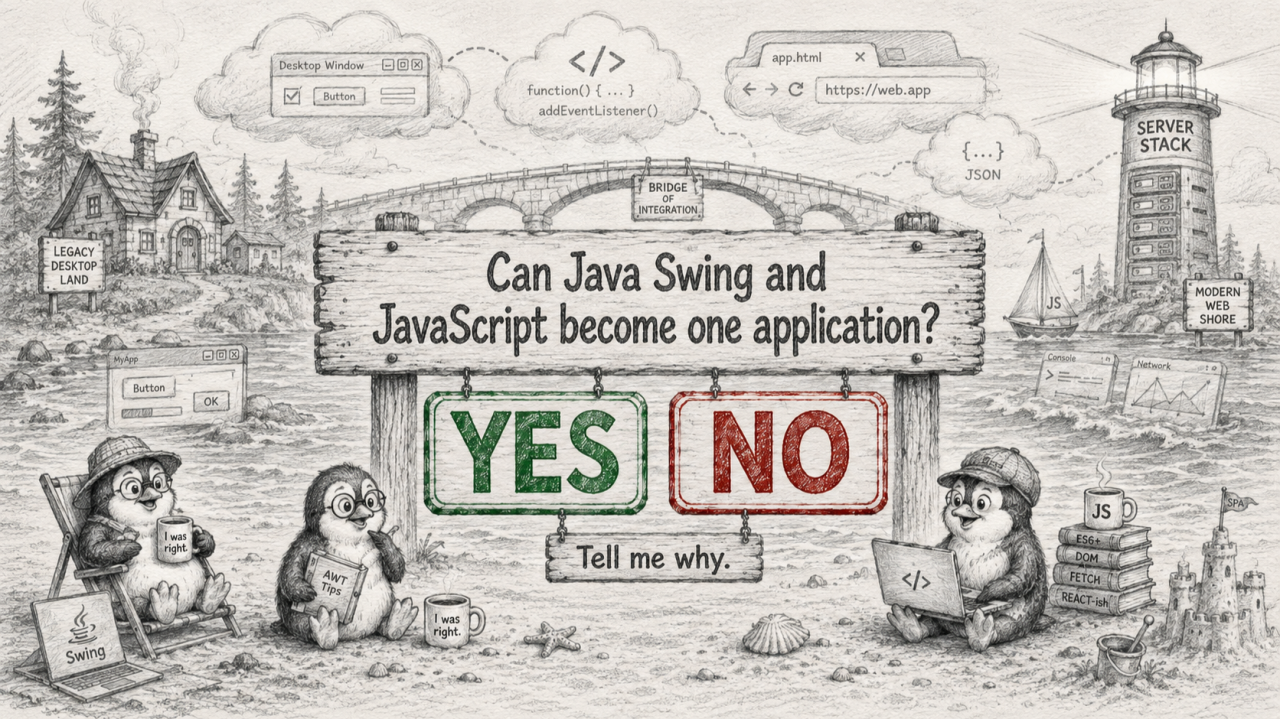
The central idea is easy to state and easy to miss: how software reaches its users and how it is built are two separate decisions.
For years they were treated as one. To make an application available in a browser, the reasoning went, you had to rebuild it as a web application. That is no longer automatic. Swing can remain the implementation of the interface while the delivery channel moves to the browser. And forget Java Web Start; nobody serious still uses it today. The program that draws the screen and the address that opens it are not the same choice, and pulling them apart is what makes the rest of the discussion possible.
When a long-lived application feels dated, it is worth asking which part has aged.
David Parnas observed that software ages in two ways: when it falls out of step with a changing world, and under the weight of the changes made to it over the years. [1] For many desktop applications, the part that has genuinely aged is a delivery assumption, that the software must be installed on every workstation, kept in version across machines, and reached over a VPN. The behaviour underneath, the validation rules, the workflows, the decades of accumulated corrections, may be perfectly current. Moving delivery to the browser retires the aged assumption without discarding the part that still works.
Not everything visible in a browser is built the same way, and three cases are worth separating.
A native web interface is made of elements the browser itself understands, buttons, inputs and tables expressed in the page and styled with CSS. A server-hosted, or rendered, interface runs elsewhere and uses the browser as a display and input surface, so what appears in the page is the program’s rendered output rather than the program itself. Between the two sits a combination, where part of the window is a rendered interface and part is ordinary web content, cooperating in one flow.
A Swing application in a browser is usually the second kind, and it can become the third.
Once delivery and implementation are separate, screens no longer have to change on the same schedule.
Not every part of an application needs to be modernized at once, or ever. Different screens justify different levels of investment because they carry different usage, risk and remaining value. One workflow can be given a native web interface while the screen beside it stays exactly as it was. The busiest or most visible screens can be renewed first; dense, stable, expert screens can be left alone precisely because rebuilding them would be costly and risky. Old and new parts can run on different timelines without the user needing to notice the seam between them.
The real gain is not only a new way in. It is that the first step does not determine the last one.
A team can begin simply by making an existing program reachable in the browser, and decide later what follows. It might keep delivering the program that way for the long term, wrap it in a modern shell, replace selected workflows, expose parts of it as services, or eventually stand the original interface down. Sam Newman’s argument for incremental change applies cleanly: move in small steps, learn as you go, and stay willing to change the destination. [2] The point is that distribution can change now, while the harder questions wait until there is evidence to answer them with.
There was a time when a multi-year rewrite could plausibly aim at a reasonably stable destination. That assumption is harder to defend now. By the time a large replacement is finished, the preferred framework, deployment model, security baseline and user expectations may all have moved again. Keeping choices open is therefore not indecision. It is a response to a world in which the target keeps moving.
This is not costless reversal. Reaching the browser still takes real work, and unwinding it later is not free. What it offers is a two-way door rather than a one-way commitment.
The freedom is real, but it is not the same as a native web build, and the difference is worth naming rather than discovering.
A rendered interface depends on the network, so responsiveness follows the connection. The program runs as a live session rather than a stateless page. Much of the interface is drawn onto a canvas, which does not carry the semantic structure that native page elements provide for accessibility, integration and automation, so those must be handled deliberately. Touch and small-screen behaviour need attention too. None of this argues against the approach. It argues for choosing it on purpose.
A URL does not turn Swing into a native web application. It changes how the software is delivered and leaves how it is built as a separate question. That separation is the whole idea: distribution and implementation are different decisions, and once they come apart, a team gets to choose what happens next, and when.
Neither fish nor framework, and for once that is not a problem. It is room to decide.
1. David L. Parnas. “Software Aging.” Proceedings of the 16th International Conference on Software Engineering (ICSE), 1994.
2. Sam Newman. “Monolith to Microservices.” O’Reilly Media, 2019.