

Alternative to RDP solutions like Citrix or similar

Your Java desktop app just runs in the browser, with no code changes required.

No client-side JavaNo virtualizationNo remote desktopsNo code changes requiredSwing, JavaFX, NetBeans, Eclipse (SWT), Oracle Forms, Applets
Native experience

Java Applications Deserve a Native Experience

Many teams still rely on Remote Desktop Protocol (RDP) platforms to deliver their Java Desktop applications, including Swing, JavaFX, NetBeans, Eclipse (SWT), Oracle Forms and Applets. It works, but often at a cost: complex infrastructure, high maintenance overhead, limited browser access, and a less-than-ideal user experience.

Webswing changes the equation.

Instead of streaming a whole desktop session just to use one application, Webswing lets you run your Java app natively inside the browser.
No virtualization. No remote desktops. No client-side Java.

Your application stays on your server - secure, lightweight, and fully interactive in the browser.

Tired of RDP solutions? Switch to Webswing. Try it for free now.
Start small. Try it free now
RDP delivery

Why Teams Are Rethinking RDP Delivery

In recent years, we’ve seen a clear trend: organisations are looking for simpler, more focused alternatives to their existing RDP-based setups.

1

Multiple infrastructure layers

Teams often need multiple infrastructure layers just to serve one app.

2

Limited browser compatibility

Browser access can remain tied to the surrounding remote desktop setup instead of the application itself.

3

Costly license models

RDP-based setups can include costly license models with unused features.

Whether they’re using a general-purpose RDP stack or a comprehensive solution like Citrix, teams often face fragile user environments requiring ongoing IT support. Webswing was designed to address these pain points directly. By focusing purely on Java desktop application delivery and doing it entirely in the browser, Webswing eliminates complexity without compromising functionality.
Remote Desktop

Remote desktop is proven, but it can become a dead-end for Java modernisation.

Remote desktop is a technology that allows users to access their desktop and applications on a remote machine easily. This technology is widely used in businesses, as it allows employees to work from any location and access their work desktop and applications.

Remote desktop technology has been around for a long time and is proven as it supports millions of users around the globe.

What is behind the shift?

Although, especially in the last couple of years, companies are struggling to proceed with this technology while letting their users use applications remotely.

One reason is that RDP is essentially a dead-end solution, which is not going to resolve companies’ technical debt. The second reason is infrastructure overhead and licensing costs, mainly costs tightly connected with the Windows licensing model.

Most notably, the ongoing and considerably high licensing costs are the main reason why companies are shifting from RDP towards new technologies.

Webswing

Webswing lets users access Java business applications in a web browser, instantly.

Webswing is a very popular alternative to remote desktop solutions, as it provides users with a fast and secure way to access their legacy desktop applications.

Webswing runs on a server and acts as a proxy between the user’s web browser and the Java business application.

Why teams consider it
  • Webswing’s unique architecture adds an additional layer of security compared to RDP solutions.
  • The infrastructure overhead and licensing costs can be significantly lower than broad remote-desktop alternatives, depending on the setup.
  • Webswing offers a wider range of integrations and better flexibility of integration with web software.
  • Many applications, particularly database-intensive ones, can run a lot faster on Webswing since they’re running from the same location/server.
Built for Java

Built for Java,
Not Just Compatible With It

Generic RDP platforms are built to serve any kind of application. That flexibility comes with tradeoffs. Webswing is different: it was purpose-built for legacy desktop apps.

That means:

  • Better performance for Java UI interactions.
  • Smoother rendering of Swing, JavaFX, Eclipse (SWT), NetBeans, Oracle Forms and Applets elements.
  • Seamless handling of threading, input focus, resizing, and app-specific behavior.
  • Support for custom integrations via the Java API.

If your app is written in Java...

Shouldn’t the platform that delivers it actually understand Java properly?

Webswing also provides a clear path for the migration of applications towards a native web app. Thanks to its Modernisation Framework, it is a smart and frequently used choice for companies looking to get rid of their technical debt.

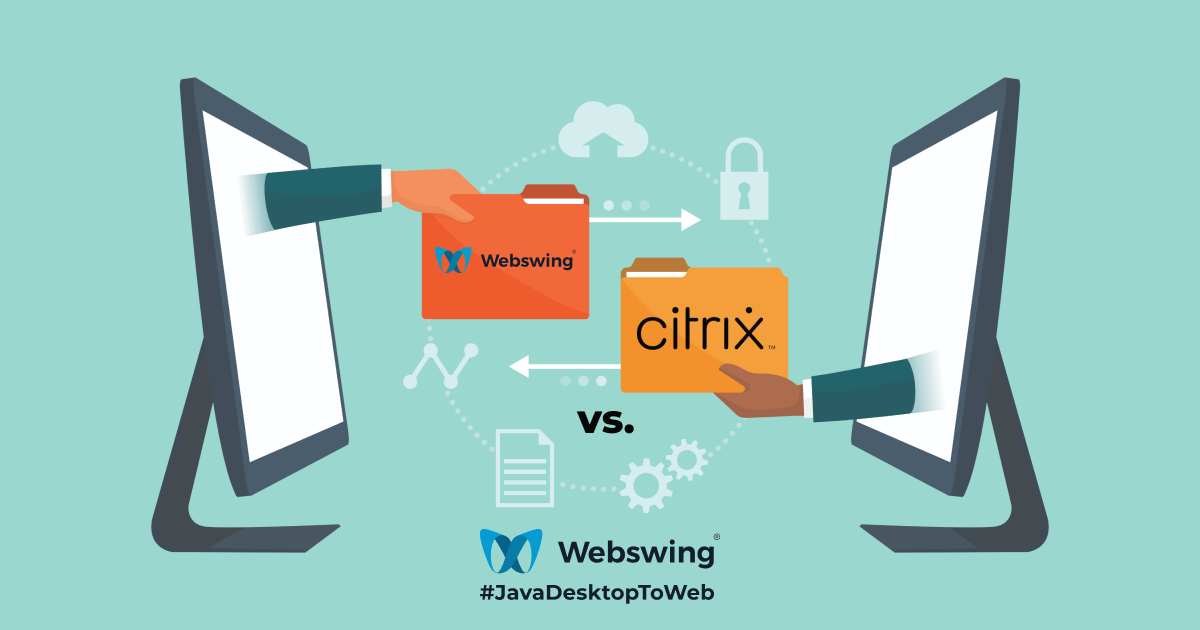
Webswing versus Citrix illustration
Citrix context

Yes, Even If You're Using Citrix

Citrix remains a leading platform for delivering full desktop environments and managing complex application landscapes. It’s a strong enterprise tool.

But when your use case is narrower, like securely delivering one or more internal Java applications, it may be more than you need.

Focused alternative

We’ve worked with many clients who continued using Citrix for some workloads, while choosing Webswing for their Java-specific applications. Others made a full switch once they realised how lightweight and efficient browser-based Java delivery with Webswing could be.

Webswing isn’t a replacement for everything, but if your priority is running a Java desktop app remotely, this might be the last tool you ever need.

Difference

What Makes Webswing Different?

No Code Changes NeededYour existing Java application runs as-is. Even legacy Swing or JavaFX codebases work without modification.
Zero Client InstallationNo Java on the client. No browser extensions. Just open a modern browser and start using the app.
Built-in securityTLS encryption, full session isolation, built-in support for Single Sign-On (SSO), and audit logging all come standard.
Integration-ReadySupports scripting, logging, and monitoring hooks, fits easily into modern dev environments.
Agnostic by DesignWorks with any browser, Java framework, or JVM. No vendor lock-in. No surprises. Just flexibility where it counts.
Works AnywhereOn-prem, in the cloud, behind a VPN, or inside Kubernetes - Webswing is deployment-flexible and platform agnostic.
Customer experience

What It Feels Like to Switch

Bert-Jan de Gier
Bert-Jan de GierDirector/Owner, CostPerform
“Without Webswing, we could never have brought our rich Java Swing user interface to the browser in such a short time. We are very impressed with Webswing itself, and with the quality and responsiveness of the provided support.”
Alexander N. Mueller
Alexander N. MuellerCTO, Administration Intelligence AG
“We love Webswing! It's an ingenious piece of technology that enables our customers to bring our Java based desktop applications to their users without the need to deploy Java throughout their organisations. Things couldn't be any simpler.”
Martin Rogal
Martin RogalHead of Development Technologies, Flughafen München
“Webswing enabled us to bring our mobile Java app, which is used for aircraft handling on the apron, to new mobile devices. By using the app through the browser, we had the opportunity to run it on a different operating system and independent of the Java version on the device without a massive investment in developing a new app.”
Migration path

Make the Move at Your Own Pace

Migration or Modernisation doesn’t have to be all or nothing. Many teams begin with a pilot deployment, running one Java app with Webswing to see how it performs in their environment.

Add more apps

Start with one Java application, validate the fit, and add more apps when the first deployment proves itself.

Set up user authentication

Connect Webswing to the access model your organisation already uses.

Enable auditing and access control

Build the controls needed for larger deployments and operational confidence.

Build integrations into your existing workflows

Use APIs, scripting, logging and monitoring hooks to fit Webswing into your environment.

From there, it’s easy to scale: add more apps, set up user authentication, enable auditing and access control, build integrations into your existing workflows, and/or start the apps’ modernisation to native technologies. Webswing provides full documentation, onboarding support, and direct access to the engineering team for larger deployments.

Curious? Start with a Free Trial

No commitment. No sales pressure. Just your app, running in a browser. Webswing can help you evaluate if it fits and if it can simplify your current setup.

Summary

A focused solution for a specific challenge

Webswing takes a fundamentally different path than traditional RDP tools. It’s a focused, elegant solution for a very specific challenge: running Java desktop apps remotely without the overhead.

If you're managing an RDP stack today, whether standalone or via a platform like Citrix - Webswing could give you a simpler path forward.

Give it a try. You might not look back!

Resources

Read more about Webswing and RDP comparison

arrow_back_ios

PreviousMeet us at Voxxed Days Amsterdam in Amsterdam, Netherlands 2026

NextMeet us at JavaOne in Redwood City, USA 2026

arrow_forward_ios